.png?width=287&height=287&name=social%20post%204%20(5).png)


Establish and add your deliverables
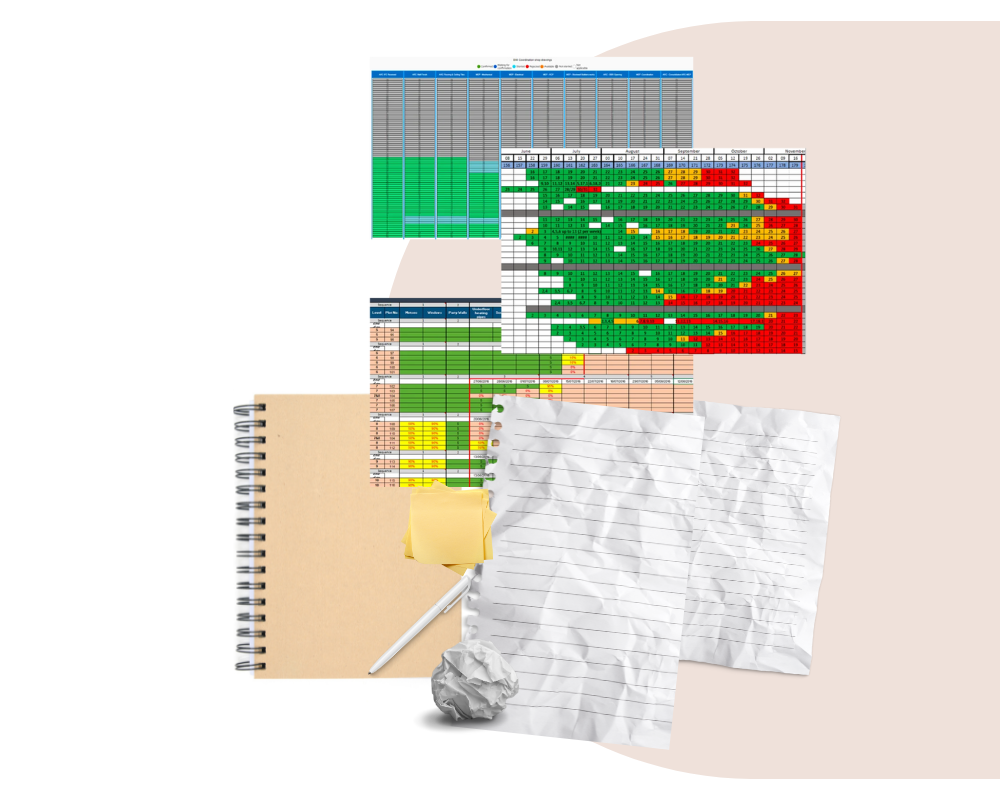
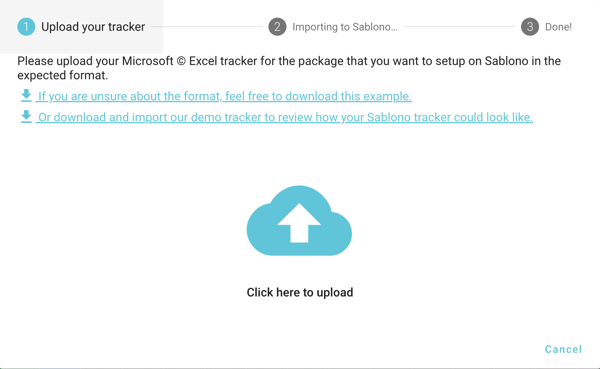
Import your existing Excel trackers to start tracking up to 100k deliverables across your project.
Don’t have an existing tracker? Add all of the deliverables that make up your work package. For more detailed tracking you should also assign each task to a specific work area.
Attach your deliverables to the responsible parties
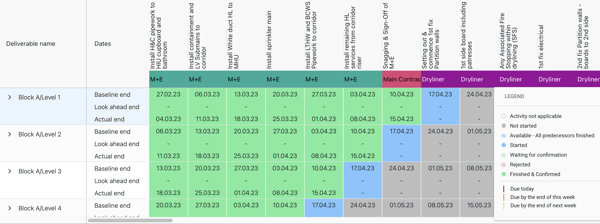
Once you've added your deliverables, you should attach these to the responsible team so you always know who is responsible for each activity.
Add key milestones
Is it due by the end of the day, the end of the week or the end of the week after? Add your key milestones to stay on track.
Add your initial baseline dates to establish when you expect the deliverable to be completed.
As your project progresses add your look-ahead dates based on the current schedule.
And once the deliverable is signed off, add your actual date so you can see how you performed against your initial plan.
Download the mobile app to track on-site in real-time
To ensure your progress data is as accurate as possible, download the Sablono app. Here, you can view and update your progress anytime, anywhere – whether on-site or in the office.
Instant access to progress updates also means less time required for site walks since you can always see how your work package is progressing in real-time.
{Want to try Track Free? Get it here - it's completely free.}
Filter your deliverables according to your priorities
As your priories change, you’ll need to adjust your view of your project.
Maybe the commercial manager wants to know which deliverables trades have completed so far, or maybe you need to understand what the two-week look ahead plan will look like to report on in your next progress meeting.
In Track Free you can filter your view by team, work package or date to clearly see what’s done and what’s yet to be completed.
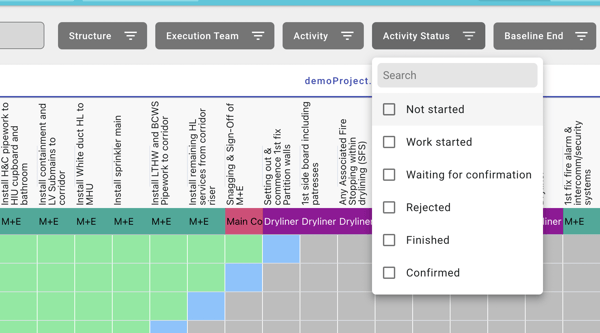
Regularly update the status of works
Quickly and easily update the activity status of each of your deliverables. Mark as ‘delivered/confirmed’, ‘started’ or ‘rejected’. These are colour coded to help you easily visualise how your work package is progressing.
Keep on top of issues
Staying on top of issues is crucial to keep your package progressing and prevent any blockers.
Flag issues in Track Free and add additional notes and photos to provide further context for project stakeholders.
Bonus: Centralise your team’s progress data
Track Free is better when you collaborate with your team. Upgrade to invite your team members and replace multiple trackers with a single version of the truth.
When Track Free is used across your project, there’s no need to update trackers manually or chase after information.
All information is connected so any updates made by your team will automatically show in your tracker.